
At CES 2026, Lepro's Ami put a curved screen on the desk that tracks your eyes and reads your expression, promising to feel "in the room." Talkative desktop AI companions have moved from phone apps to physical devices. Before you buy, three things matter more than whether it can hold a conversation.
Clear the privacy bar first
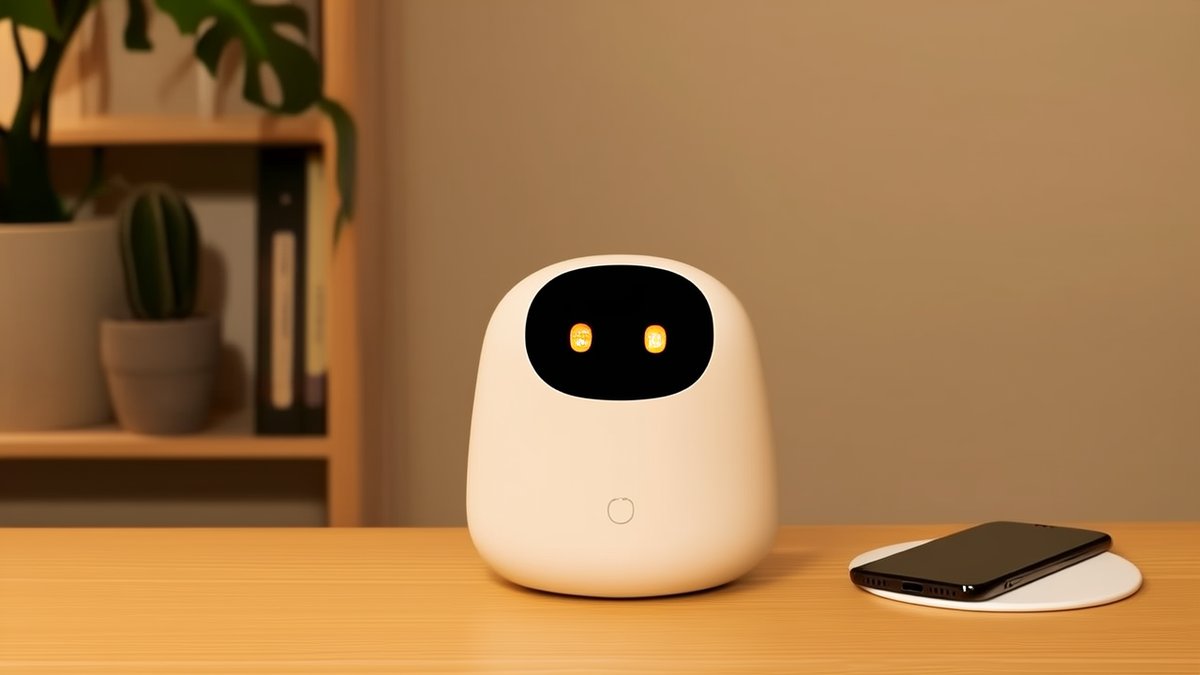
These devices usually stay on and carry cameras and microphones. Lepro Ami ships with physical shutters and claims all interaction data is processed locally; it sits against a backdrop where companion apps passed 220 million downloads worldwide by mid-2025. Before buying, check for a camera shutter, local encryption and a maker willing to state plainly that data stays off the cloud. If kids or elders share the home, this is non-negotiable.
Wireless charging is a bonus, not a must
Most desktop companions run on USB-C and the base is just a stand. A few newer models build a Qi pad into the base, so your phone tops up while it keeps you company — folding "presence" and "charging" onto one desk. If you already want fewer cables, a wireless-charging base is a plus; but do not trade away the privacy and subscription points above for that pad.
The subscription trap is easy to miss
Talkative does not mean free. Among children's AI toys, Miko Mini unlocks full features through a Miko Max plan at about $9.99 a month, while StoryClaw's ClawBot is a one-time purchase. Desktop companions follow the same split — some buy-once, some monthly. Add a year of subscription to the sticker price before you decide what it really costs. Devices like Rabbit r1 that advertise "no subscription" are worth a look for that reason.
One line to keep: set your privacy floor first, then decide on a wireless-charging base, and finally fold the subscription into the total. Conversation is just the door — whether you can trust it on your desk is the real question.
© SWPO. All rights reserved.