
You drop the phone on the pad, the light comes on, and charging starts. An hour later the pad and the phone back are both hot to the touch, yet the battery has barely moved. Plenty of people write this off as the unavoidable tax of going cable-free. It isn't. How much heat builds up is almost entirely a question of how the pad handles cooling.
Start with a hard rule. The Qi2.2 standard that WPC published at the end of 2024 put surface temperature into the mandatory requirements for the first time: at 25W output, no point on the charger may exceed 40°C, and it is a pass/fail gate in certification, not a suggestion. Elecdov stressed throughout its 2026 industry coverage that this line matters more than the wattage number, because it turns cools well from marketing into a condition for shipping at all.
Where the heat actually comes from
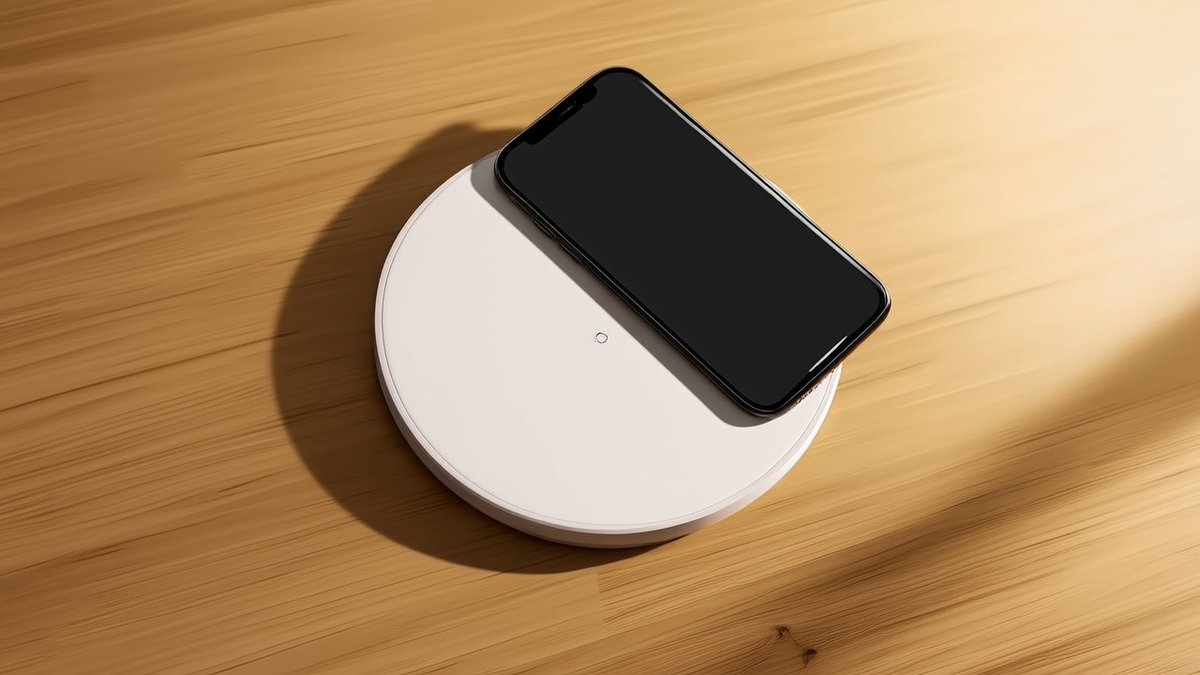
Wireless charging moves energy through the magnetic field between two coils, and whatever isn't coupled into the receiver coil ends up as heat. Several things directly hurt coupling: a misaligned phone, a thick case, a card or metal ring trapped in the case, and a hot room. Elecdov's home-charging writeup puts it plainly: a little warmth is physics, sustained heat is a design failure.
A study in the Journal of Power Sources, cited by digitalflownet in 2023, gives a concrete figure: for every 10°C above 35°C, coupling efficiency drops about 3.8%. That snowballs—hotter means less efficient, which means hotter, until both the phone and pad throttle. DiGi Electronics' 15W case is more specific: with poor alignment and thin cooling the coil hit 60°C plus; after larger heat sinks, better ferrite shielding and improved thermal materials, the peak fell from about 62°C to 50°C, roughly a 20% cut.
How good pads hold the line
On the hardware side the common play is multi-layer coils with dedicated heat sinks, thermally conductive housings, and ferrite cores that spread the magnetic flux evenly. The thermal materials are the key layer: graphite sheets under the coil spread heat out, vapor chambers and copper plates move it away fast, and phase-change material buffers the sudden spikes during peak load. WECENT's technical notes mention aluminium heat sinks, ceramic housings and graphene pads all pull surface temperature down, while GaN power devices switch with lower loss than silicon and simply generate less heat to begin with.
Firmware adds a second safety net: NTC thermistors watch the surface in real time and trim power the moment it nears 40°C, then restore full output as it cools. Elecdov's desktop multi-device stations even give each charging zone its own heat sink and a ventilated base, so the phone pad doesn't inherit heat from the watch puck—which is exactly the difference between a charger that holds its rate and one that leaves you at 60% by morning.
The takeaway: don't shop for wattage alone. Look for Qi2.2 / MPP certification that includes thermal testing, then check for real cooling structure—graphite sheets, heat sinks, a ventilated base. For makers, the magnet array, coil and cooling have to be tuned together, or the rated 25W is just a number on the box.
© SWPO. All rights reserved.